Random Dithering
Instead of using Quantisation directly on the original image directly, add a small amount of random noise first, then quantise that plus the original.
When doing this with video, it's best to use the same random seed for every frame.
noise(x,y) is different for every pixel
function random_dither(image, width, height, levels):
    out = allocate width * height * 3 bytes
    for each pixel (x, y):
        for each channel c in {r, g, b}:
            noisy = image(x, y).c + uniform_random(-127, 127)
            out(x, y).c = quantize_channel(clamp(noisy, 0, 255), levels)
    return out
Use a Random Number Generator like the one in C.
Here is an image before

Here it is with random quantisation
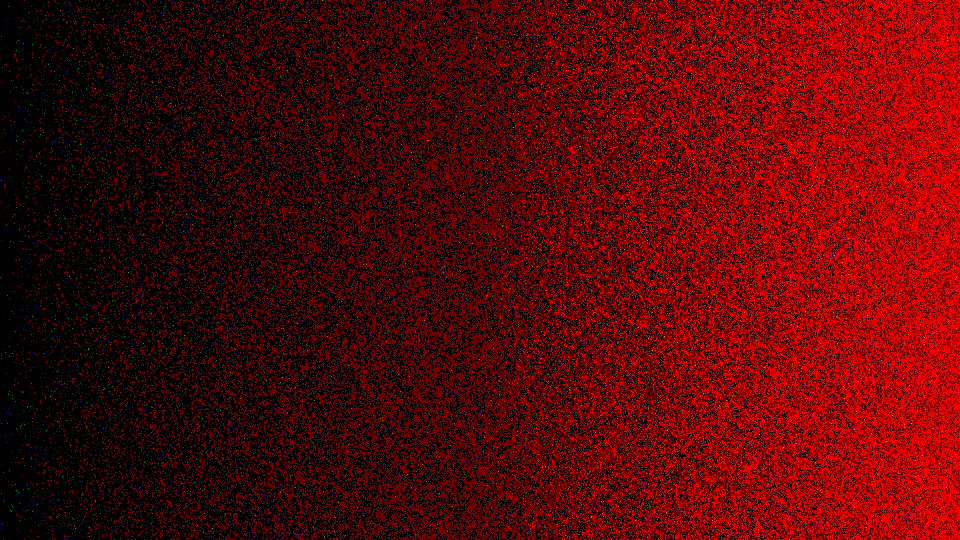
It looks pretty good, but there's some odd coloured speckles in it.
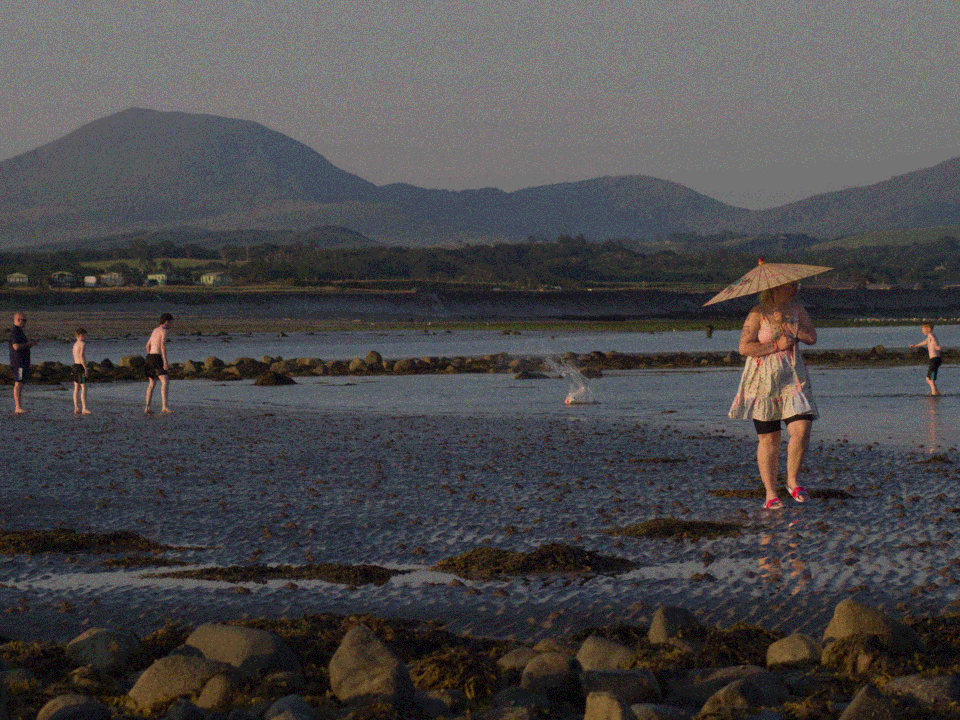
Here is a photo quantised to level "12"
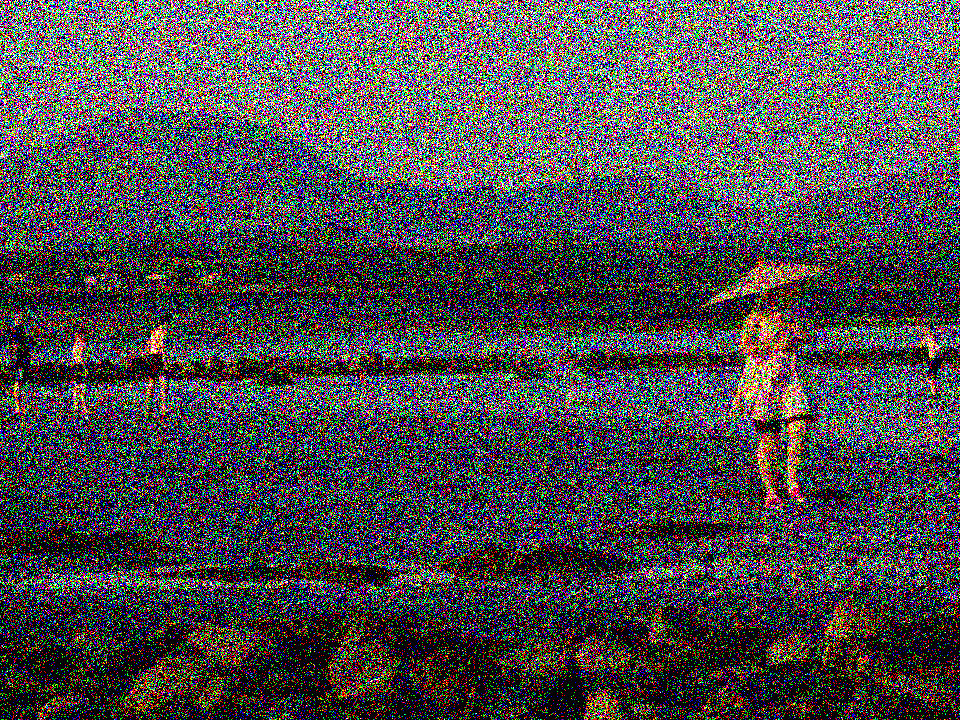
And here is one quantised to level "2"
How it works
Suppose there's a pixel with a value of "64", and we're trying to quantise it down to 1 bit.
This means everything below 128 is 0 and anything above is 1.
64 is a quarter of the way from black to white, but with basic quantisation it will always get turned into 0 which is why there's such a harsh step between the two values.
If we add a random value between -127 and 127 before thresholding the value, the value we're working with becomes something anywhere between -63 and 191.
If we do this over many many pixels across the entire image, statistically about a quarter of them will be white and the rest will be black, but scattered randomly across the whole image.
This approximates the original values even though each individual pixels is only black or white.
All the dithering algorithms try to do this, but in different ways to improve the image quality.